Put your phone on the table. Be in the room.
Record any meeting on your phone. The summary, action items, and follow-up email are ready before you are back at your desk.

40+ AI-powered LensesSpeaks 99+ languagesFree to start, no credit card
Not every meeting happens at a desk.
Meeting rooms, walks, the drive home. The phone records where the laptop can't.

The meeting room
Put the phone on the table and join the discussion. The app takes the minutes and notes who said what.

The walking 1:1
No laptop, no notebook. Every commitment is captured with a name next to it.
The drive back
Think out loud in the car. You get a structured plan instead of a voice memo you never replay.
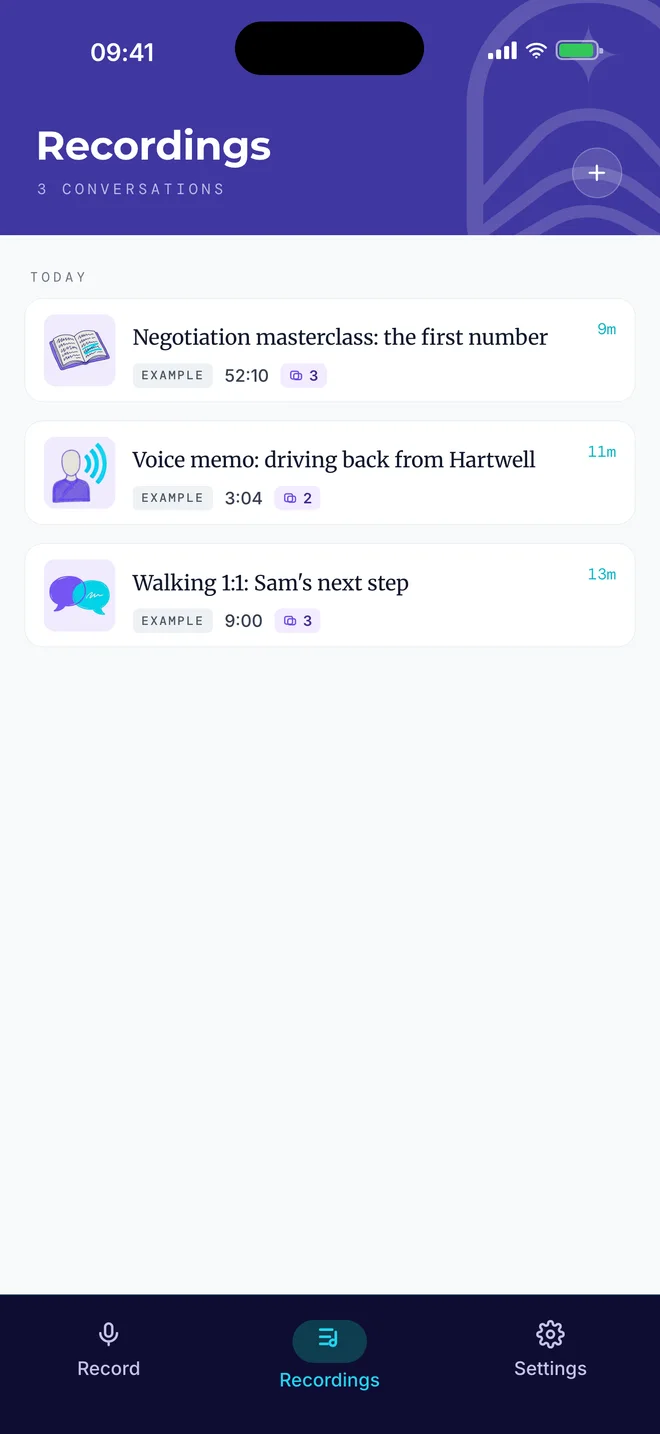
All three, ready when you get back.
One tap. The rest is automatic.
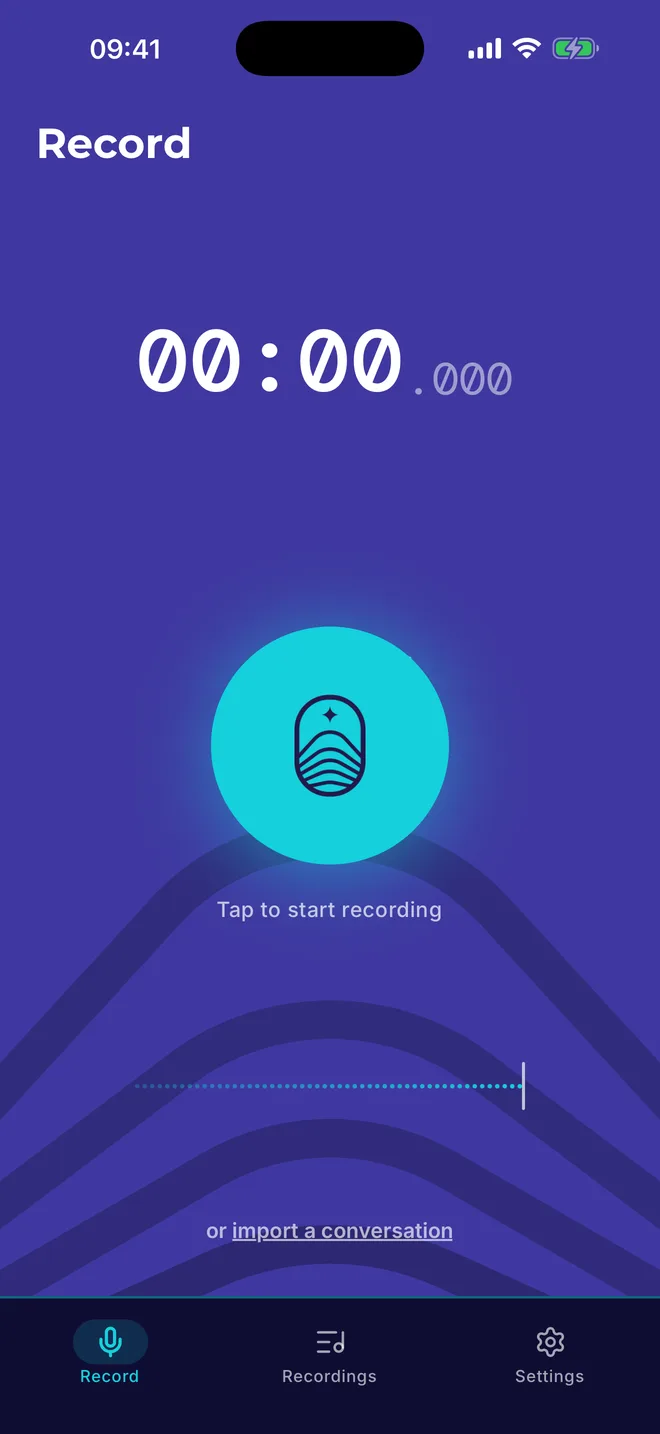
These are the real screens, in the order you will see them.
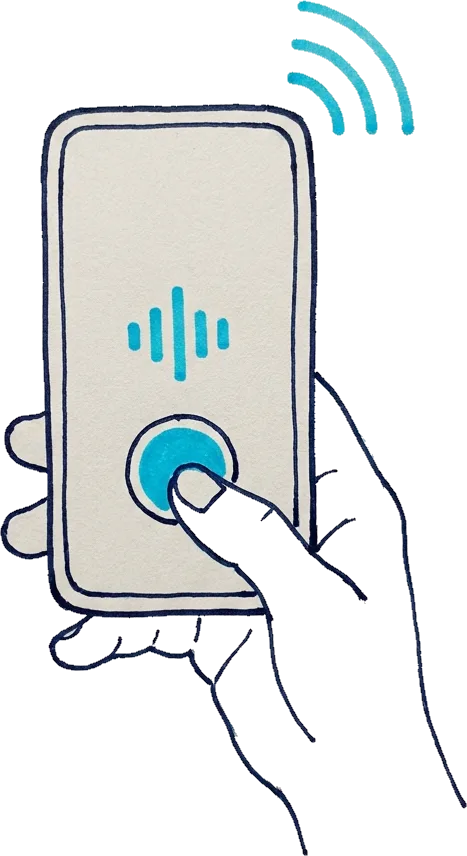
Tap record and put the phone away.
It keeps recording with the screen locked or in your pocket. If a call comes in, it pauses and continues when you hang up.
- Works with the screen locked
- Resumes after an incoming call
- Import existing recordings too
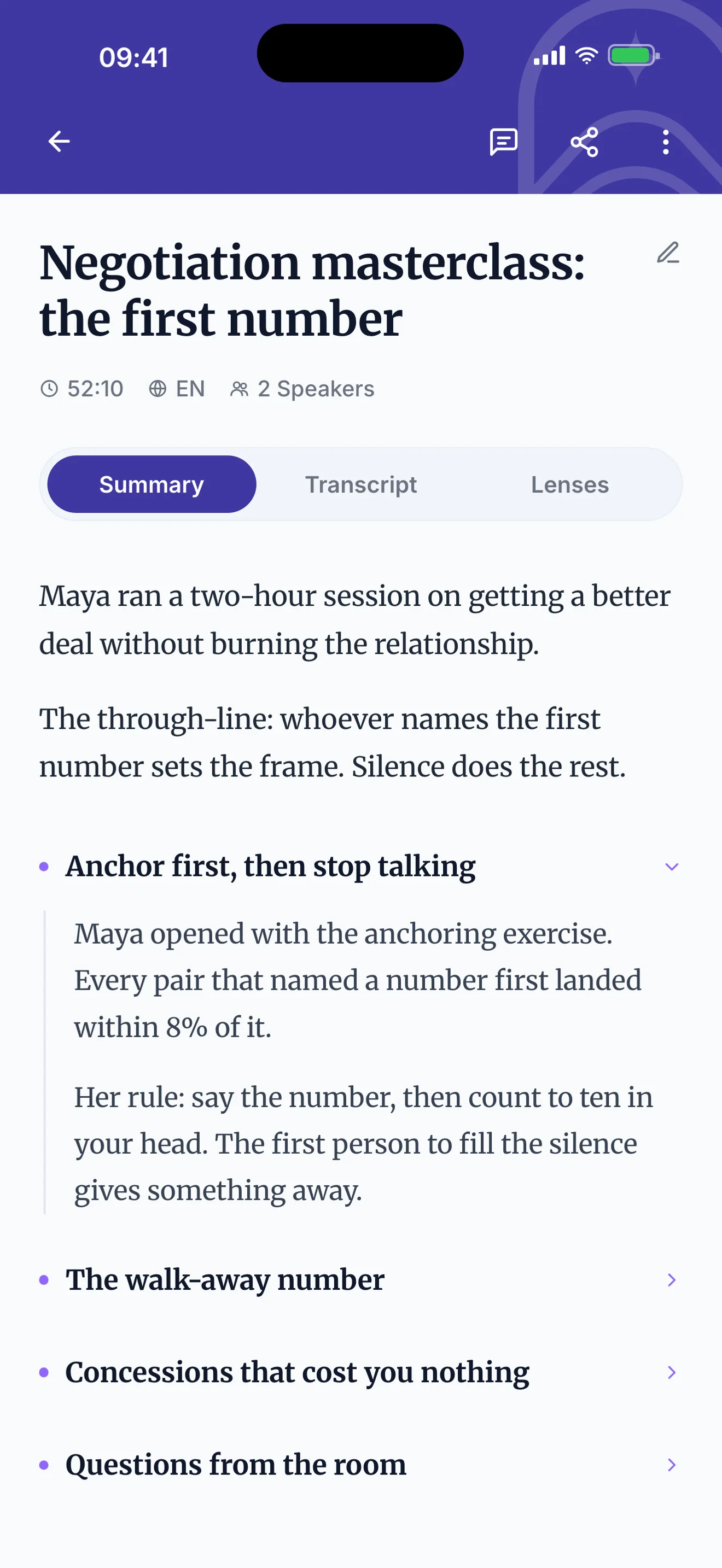
The summary is written for you.
Speakers are named and decisions are grouped by topic, so you can read a whole meeting in a minute. Open the transcript when you need the exact words.
- Speakers separated and named
- Sections you can skim
- Works in 99+ languages
Ready-to-use outputs, not just notes.
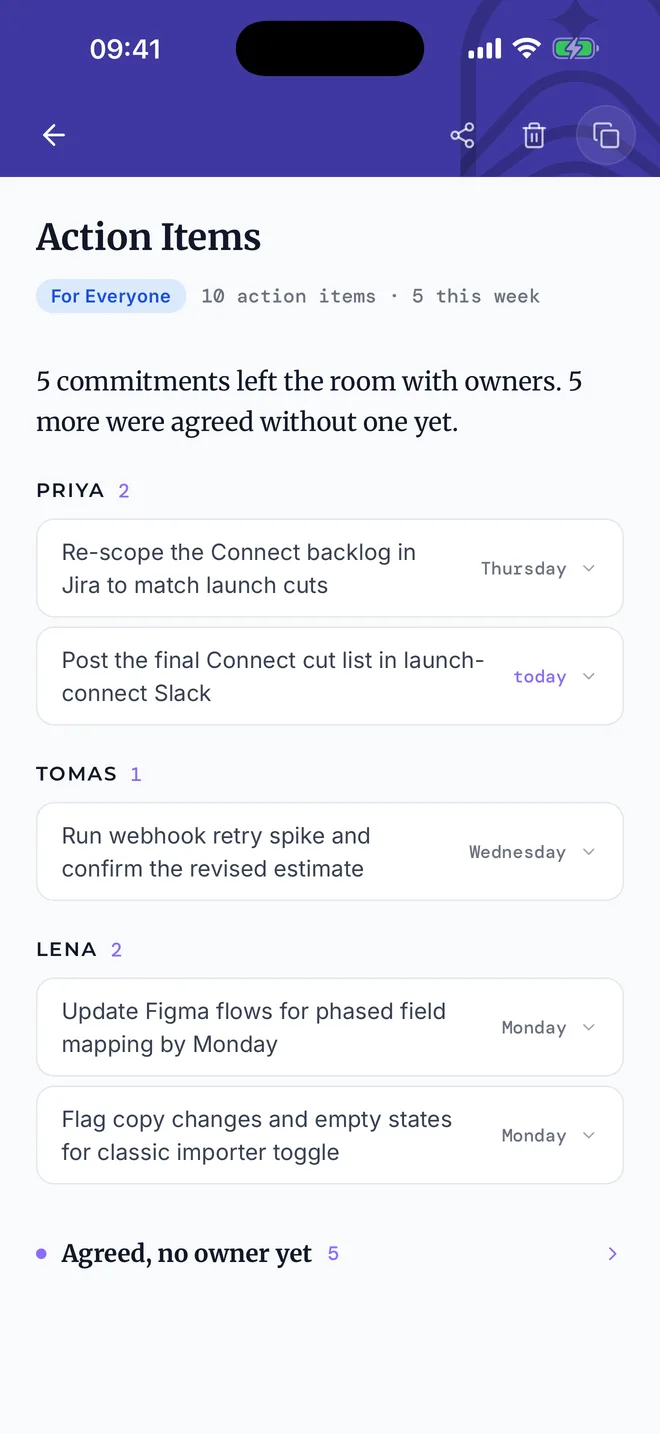
Who does what, by when.
Every action item with an owner and a due date. Items agreed without an owner are flagged so they do not get lost.
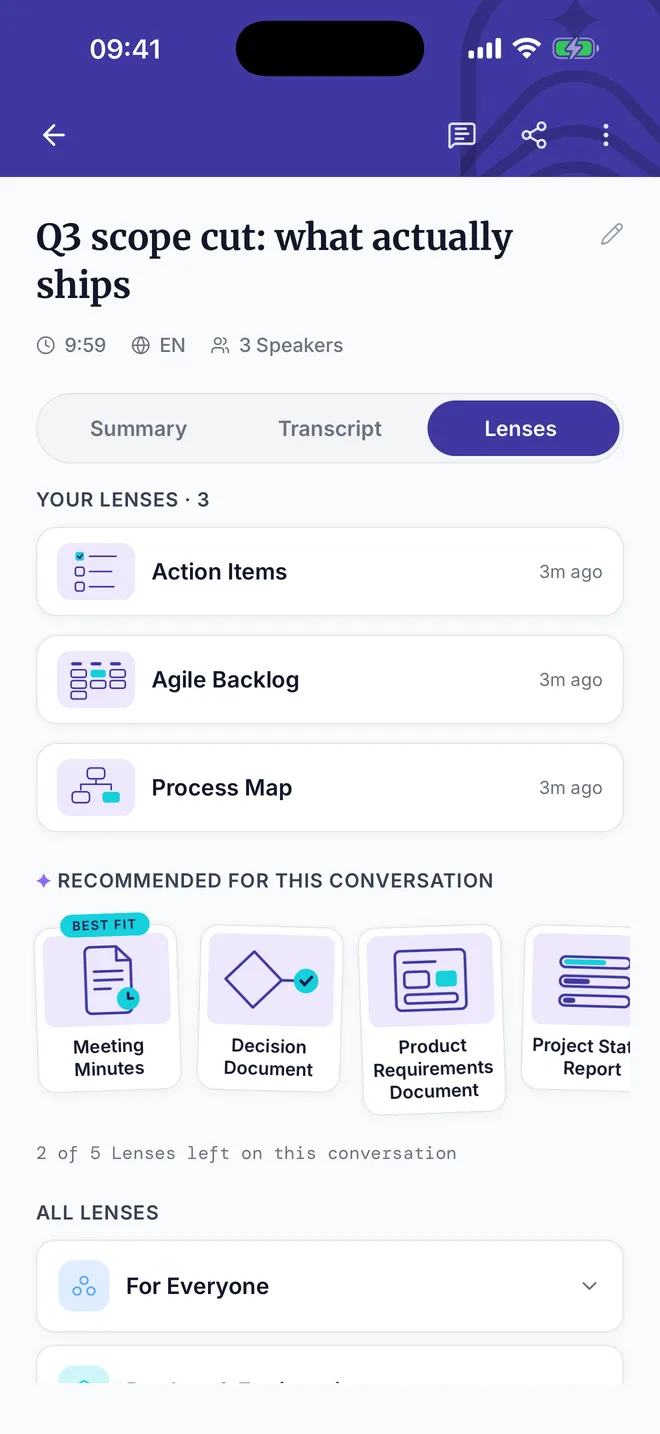
One meeting, many outputs.
Meeting minutes, a sprint backlog, a process map, a follow-up email. Pick a Lens and it is written, formatted, and ready to send.
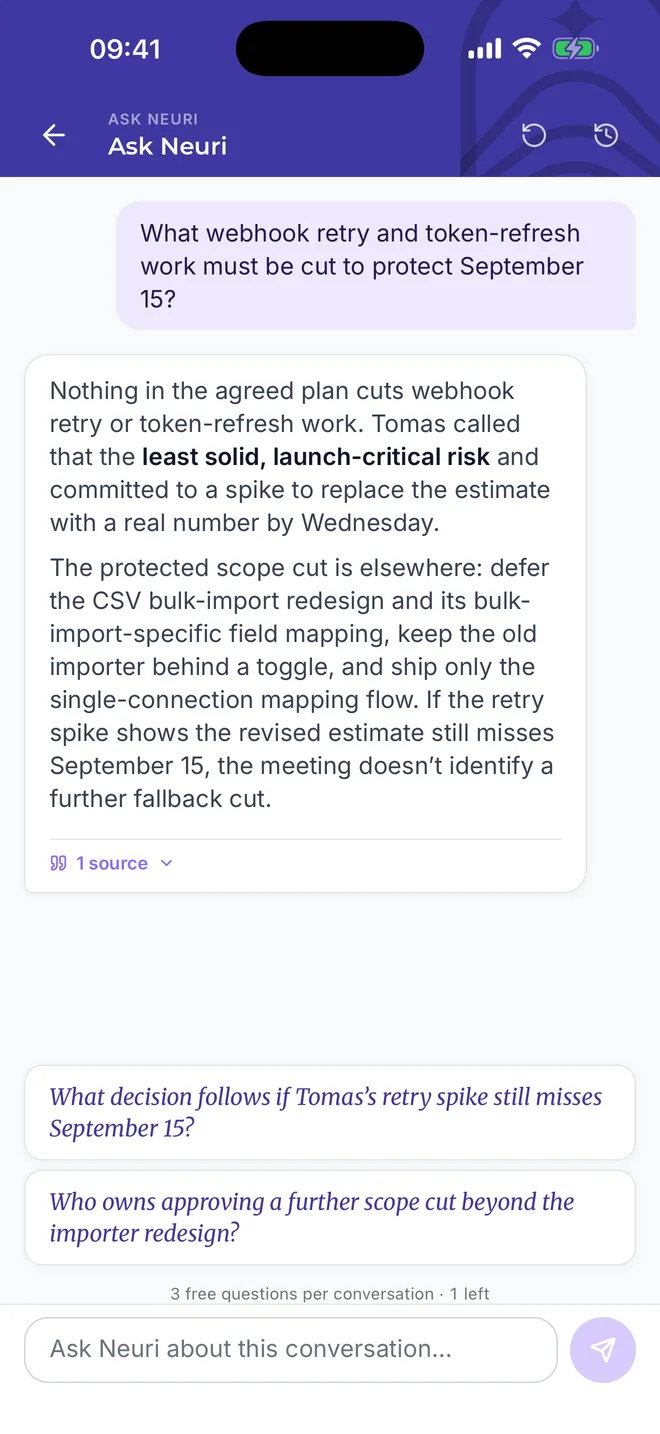
Ask what you missed.
Joined late or forgot who owns a decision? Ask, and you get a clear answer with the exact quote it came from.
Record on your phone. Work on your laptop.
One account, one library. Everything you record on the phone is in the web app by the time you sit down.
- Everything syncs between phone and web
- Share the action items, not the recording
- Ask questions across all your meetings
- Your audio is never used to train AI
Common questions.
Is the app free?
Yes. The free plan covers 3 meetings a month, up to 90 minutes each, with the summary, action items, and Lenses included. Pro removes the monthly cap, allows longer recordings, and adds the live transcript while you record.
Does it keep recording with the screen locked?
Yes. Start the recording, lock the phone, put it in your pocket or on the table. If a phone call comes in, the recording pauses and picks up again when the call ends.
Do I need a separate account for the app?
No. Sign in with the account you use on the web. Conversations recorded on the phone appear on your laptop as soon as they are processed, and the other way round.
Which devices does it run on?
iPhone and iPad from the App Store, Android phones and tablets from Google Play. Recordings you already have on the phone can be imported instead of recorded.
Is my audio safe?
Your recordings are never used to train AI models and never sold. Audio stays in your account until you delete it, and deleting a conversation removes it everywhere, phone and web.
More on plans and limits on the pricing page.
Get the app before your next meeting.
Install it now and record your next meeting. If the notes are not the best you have had, delete the app. You have lost nothing.
3 free meetings a monthNo credit cardReady before your next meeting