Different tools, different jobs.
Granola earned its reputation on beautiful notes.
Neural Summary starts where the notes stop.
The AI notepad
 Granola
The notes of the meeting, done well.
The newcomer
The newcomer, built for the work after the meeting.
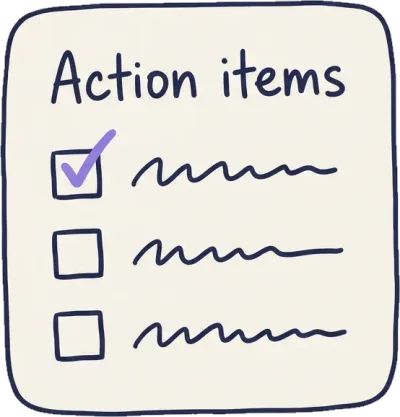
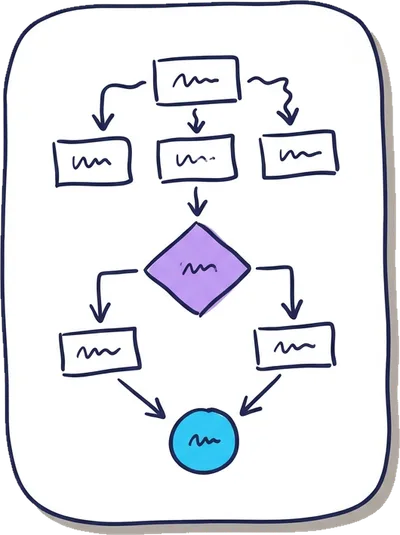
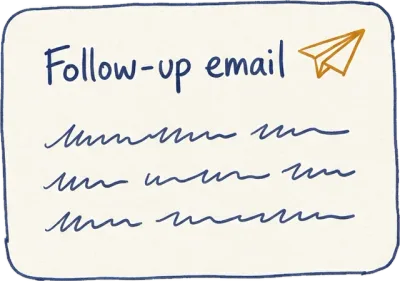
All of this, from one conversation.
One 32-minute kickoff became four finished deliverables. Click through them.
Q3 kickoff — Meridian rollout
TODAY · 32 MIN · 5 SPEAKERS
Record. Process. Done.
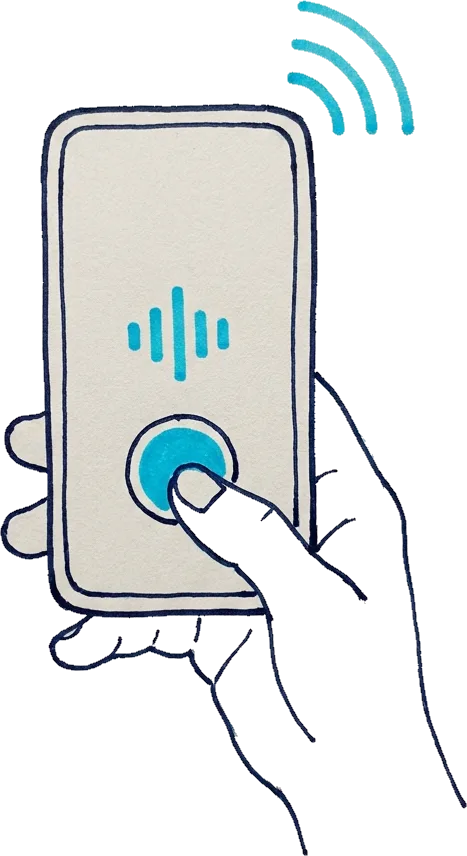
Record your meetings
Live in the room, on a call, or upload any audio file afterwards.
Neural Summary processes
Transcribed, understood, and written up. Nothing for you to do.
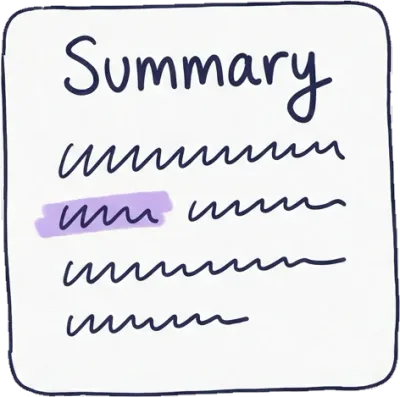
Polished outputs
Reports, action items, flowcharts, and emails, ready to send.
One meeting is a report.
All your meetings are a memory.
Group conversations into Memories, then ask Neuri, your meeting assistant, anything across all of them. Answers come with sources.




Ask Neuri anything.
Your whole meeting history becomes searchable, answerable, and citableNeuri is included with Pro
Switching is a drag and a drop.
Export your Granola archive, drop it in, and it comes back with the work it never had. Audio or transcripts, on the free tier.
Your Granola archive
ALL YOUR RECORDINGS
Back with the work
ACTION ITEMS IT NEVER HAD
.M4A · .MP3 · .WAV · .TXT · .VTT · .SRT · PASTE
Your meetings are your business. We keep it that way.
Encrypted, always
In transit and at rest, on every recording and transcript.
Trusted infrastructure
Built on Google Cloud and vetted AI providers, nothing home-rolled.
Hosted regionally
EU-based company, GDPR-native, regional data hosting.
Yours to delete
Your audio is never training data, and deleting a conversation deletes it everywhere.
Asked before switching.
Is Neural Summary a good Granola alternative?
Neural Summary is an alternative to Granola for people who need meetings to produce work, not only notes. Both tools transcribe accurately; the difference is what happens after: Neural Summary turns each conversation into action items, meeting minutes, diagrams, and sprint backlogs through dozens of Lenses.
Can I bring my existing transcripts with me?
Yes. You can import transcripts as .txt, .vtt, or .srt files, or paste text directly, on the free plan. Imported conversations get the same summaries, action items, and Lenses as recorded ones, so your history keeps working after you switch.
What does Neural Summary cost?
Neural Summary starts free with 3 meetings a month, no credit card required. Paid plans raise the limits and unlock translation, exports, and Memory; current prices are on the pricing page, and you can cancel anytime.
Is my audio used to train AI models?
No. Your recordings and transcripts are never used to train AI models and are never sold. Audio stays in your account for as long as you keep it, and deleting a conversation or your account deletes the audio with it.
Which languages does it support?
The product runs in five languages: English, Dutch, German, French, and Spanish. Transcription handles each of these, with speaker names and timestamps, and summaries can be translated between them.
Do meeting participants need to install anything?
No. Nothing joins your call and participants need no app or account. You record on your phone or laptop, or upload a file afterwards, and share results with a link.
Your next meeting can end finished.
Record or upload one meeting. If the report is not better than the notes you would have written, you have lost nothing but the writing.
3 free meetings a monthNo credit cardFirst report in minutes