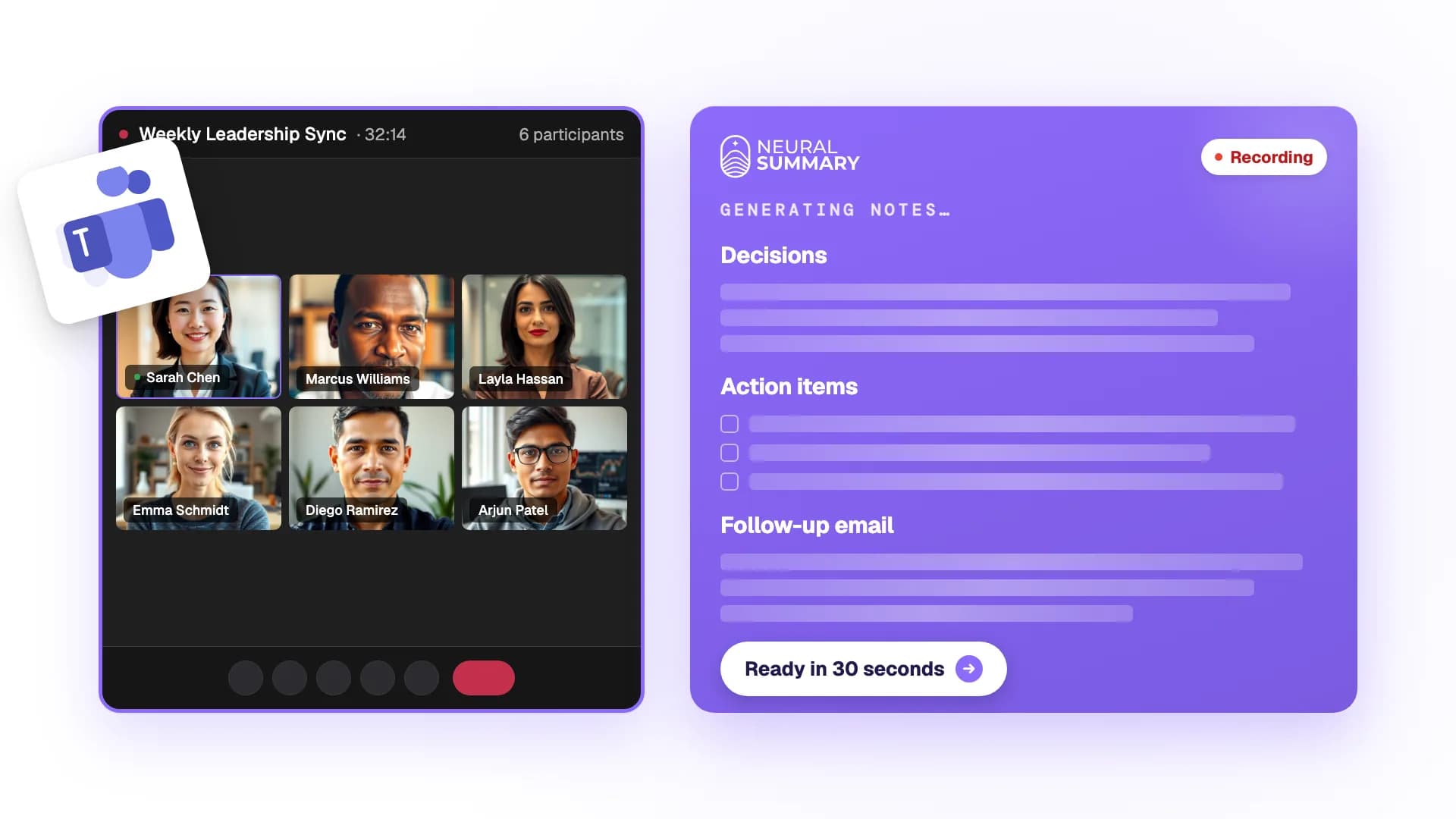
Most conversations do not happen at a desk. Client meetings happen in conference rooms. Coaching sessions happen in offices. Strategy discussions happen over lunch. Brainstorms happen on walks.
Neural Summary started as a web application. Upload an audio file, get your documents. But if you have to wait until you are back at a computer to upload, the friction is too high. The recording gets forgotten. The follow-up does not happen.
We needed a mobile app. We built it in five phases over two months using Expo and React Native.
Phase 1: Foundation
The first phase was not about features. It was about getting the infrastructure right.
Authentication sharing. Users already have accounts on the web app. The mobile app needs to authenticate with the same credentials and talk to the same API. We integrated the same auth provider on both platforms: email/password and Google Sign-In. The auth token from mobile is identical to the web token. The API does not know or care which platform the request came from.
Navigation structure. Three tabs: Record, Recordings, Settings. Plus stack screens for recording detail, upload confirmation, and auth flows. File-based routing with Expo Router mirrors how we think about the app's information architecture.
API client. An HTTP client with automatic token injection and 401 retry logic. When a token expires mid-session, the client silently refreshes and retries the request. The user never sees an auth error unless their session is truly invalid.
Design system. Brand colors, typography, spacing, and component styles matching the web app. Dark purple primary, brand purple accents, Montserrat headings. The mobile app should feel like the same product, not a port.
Phase 2: Record and upload
The core use case: record audio on your phone and get it processed.
Recording. The audio recording hook wraps the platform's audio API with record, pause, resume, and stop controls. A timer shows elapsed time. An audio level meter shows a real-time waveform visualization, giving the user confidence that the microphone is capturing.
Upload pipeline. After recording, the user confirms and optionally adds context ("Q1 pipeline review with Acme Corp"). The app uploads the audio file to cloud storage, then tells the API to process it. This two-step approach (upload to storage, then trigger processing) is the same pipeline the web app uses.
Real-time progress. The app connects to the backend via WebSocket to receive progress updates. An active upload banner shows combined progress: 0-50% for the storage upload, 50-100% for transcription processing. The WebSocket connection includes auto-reconnect with exponential backoff, because mobile networks are unreliable.
The upload queue. This is the feature that makes mobile recording reliable.
Recordings are not uploaded immediately. They go into a persistent queue stored on the device. The queue processes items sequentially, handling retries on failure and pausing when the network is unavailable. If the app is closed mid-upload, the queue persists. When the app reopens, it resumes.
This means a user can record three conversations in a row without waiting for any of them to process. The queue handles everything in the background.
Phase 3: Viewing results
Once a conversation is processed, the user can view it on mobile:
- >Title, duration, language, and speaker count as metadata chips
- >The summary overview with key points
- >Structured sections from the AI analysis
- >A collapsible transcript preview (first 500 characters, expandable)
- >Pull-to-refresh to check for updates
For full editing, lens generation, and advanced features, users tap "View full details on web" to open the conversation in the browser. The mobile app is a companion for capture and quick review, not a replacement for the full web experience.
Phase 4: Settings and polish
The settings screen shows subscription tier, monthly usage statistics (conversations used and total duration), and quick links to web-based account management.
We added haptic feedback on the record button: medium impact on record, pause, and resume. A success notification on stop. These subtle physical responses make the recording interaction feel more tangible on a touchscreen.
An error boundary wraps the entire app. If something crashes, the user sees a "Try Again" button instead of a blank screen or a cryptic error.
Phase 5: Quota awareness and auto-retry
This was the most complex phase, and the one we are most proud of.
The problem: Free-tier users have limits: a maximum number of conversations per month, a maximum recording duration, and a maximum file size. When a user exceeds a limit, the upload should fail gracefully. But "gracefully" on mobile is harder than on web.
On web, if an upload fails due to a quota limit, the user can upgrade in the same browser tab and try again. On mobile, upgrading happens in a separate browser session. The mobile app has no way to know when the user has upgraded. And App Store guidelines prohibit showing pricing, "upgrade" language, or links to purchase pages within the app.
Our solution has three parts:
Pre-flight validation. Before uploading, the app checks the recording's size and duration against the user's plan limits. If the recording would fail, the user sees a clear message explaining why, without wasting cellular data on a doomed upload.
Save-for-later with quota status. When a recording is blocked by a quota limit, it is not discarded. The audio file is saved to device storage and added to the upload queue with a "plan limit" status. The user sees an amber "Plan limit" pill on the recording, with a message explaining the specific reason.
Auto-retry on plan change. The upload queue subscribes to the usage store. Whenever usage stats refresh (on sign-in, pull-to-refresh, tab focus, or after a completed transcription), the queue re-evaluates every quota-blocked item. If the user's plan has changed (they upgraded) or the monthly counter has reset (new billing cycle), the blocked items are automatically moved back to "pending" and processing begins.
The flow for a free-tier user who records a 70-minute conversation:
- 1App detects the recording exceeds the free tier's duration limit.
- 2Recording is saved locally with "plan limit" status.
- 3User upgrades to Pro via the web browser.
- 4User returns to the mobile app.
- 5App refreshes usage stats, detects the plan change.
- 6Queue automatically moves the recording to "pending."
- 7Upload begins. The user did not tap anything.
This auto-retry works for all three quota types: conversation count, duration limit, and file size limit. It also handles the monthly reset case: a user who hit their 5-conversation limit on April 28 will have those blocked recordings automatically upload on May 1 when the counter resets.
App Store compliance
Apple's App Store Review Guideline 3.1.3(b) prohibits apps from directing users to purchase mechanisms outside the app. This means no "Upgrade to Pro" buttons, no pricing information, and no links to the subscription page.
Our implementation uses only neutral, factual language:
- >"This recording exceeds your current plan's duration limit"
- >"5 of 5 conversations used this month. Resets May 1."
- >The Settings screen shows "Free" or "Professional" as a factual tier badge, not as a prompt to upgrade.
The user knows their status. The app does not tell them what to do about it.
What we learned
The upload queue is the most important mobile feature. Without it, mobile recording is fragile. With it, users can record confidently knowing nothing will be lost, regardless of network conditions, app state, or quota limits.
Haptic feedback matters more than we expected. The physical response of the record button transforms the interaction from "tapping glass" to "pressing a real button." It is a small detail that users notice when it is absent.
Mobile is a capture device, not a replacement for web. We deliberately limited the mobile feature set. Record, upload, view summary. For everything else, open the web app. This kept the mobile app simple and fast while avoiding the complexity of rebuilding every web feature for a smaller screen.
App Store guidelines shape architecture. The quota handling system exists entirely because we cannot show a "Buy Pro" button. The constraint forced us to build something better: an auto-retry system that handles plan changes silently. The best UX turned out to be no UX at all.
The mobile app launched on iOS and Android. It is a companion, not a replacement. And it solves the fundamental problem: most conversations do not happen at a desk.